Recipe meal planner
Plan what to cook this week from your saved recipes
Quick answer: Add saved recipes to This Week, set servings for each night, and generate one merged grocery list.
Add recipes to This Week, adjust servings, generate one grocery list, then cook from a clean step-by-step recipe view. No calendar admin, no blank meal plan spreadsheet, no forgotten saves.
Lemon chicken traybake
Serves 4 · 45 mins
Pasta alla vodka
Serves 2 · 30 mins
Chickpea curry
Serves 6 · 40 mins
Shopping list ready
Ingredients merged across 3 recipes
Recently cooked
Keep track of meals worth repeating
What is a recipe meal planner?
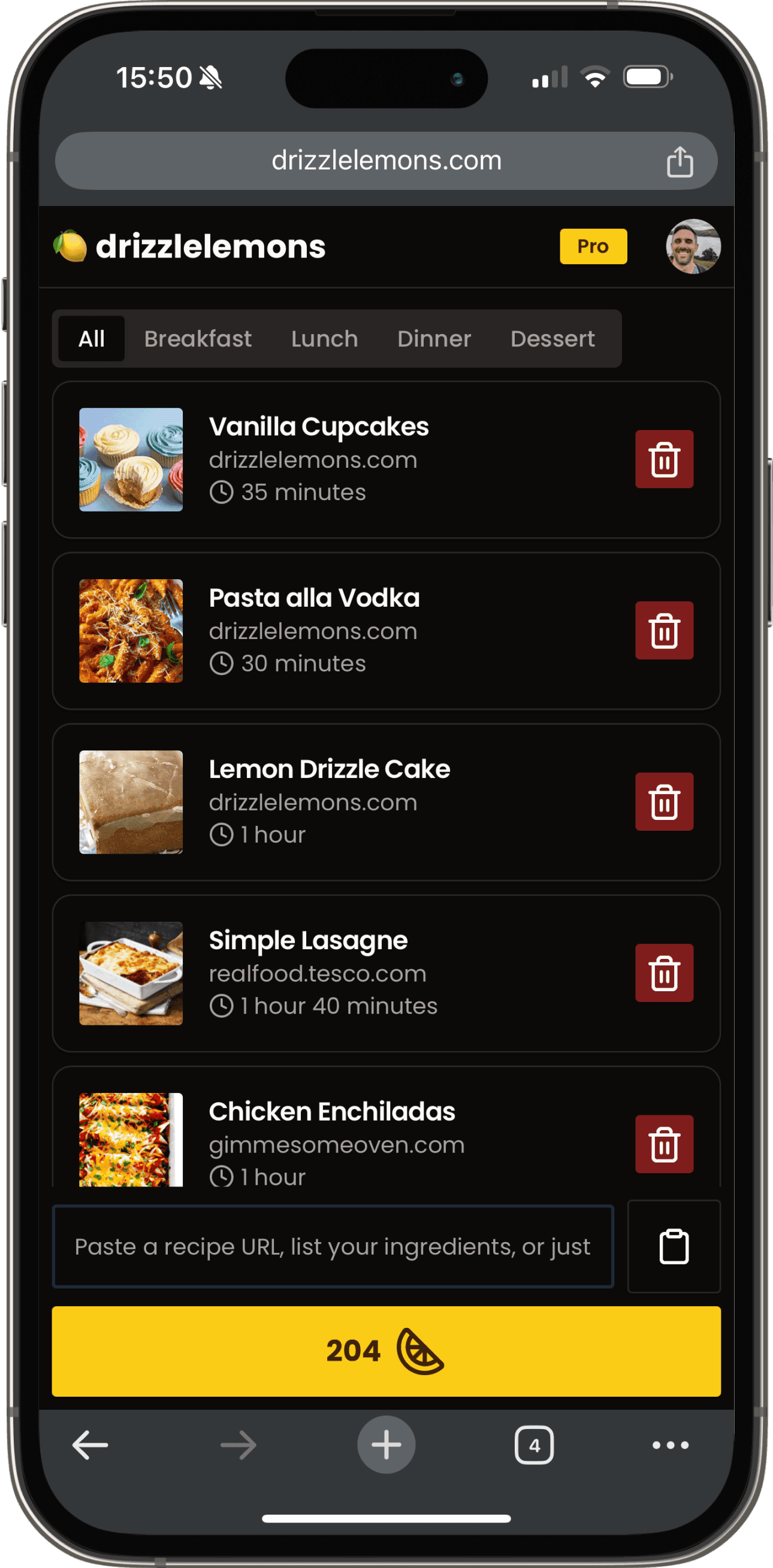
A recipe meal planner is a tool that turns recipes you have saved into a short plan of what to cook next, then handles the follow-on jobs: adjusting servings and building the grocery list. Unlike a calendar-style meal planning app, it starts from real recipes — ingredients, steps, and servings — so the plan stays connected to what you will actually cook. In Drizzlelemons, that planner is called This Week.
How This Week works
Open any recipe in your saved recipe collection and add it to This Week. Each planned recipe keeps its own serving control, so you can plan pasta for two on Tuesday and curry for six on Sunday — quantities rescale automatically, using the same maths as our recipe scaler. When the plan looks right, generate one merged shopping list from everything queued. And when it is time to cook, open the recipe in Cook Mode for step-by-step instructions with timers.
Here is a worked example. Say your week is the lemon chicken traybake (serves 4), pasta alla vodka (serves 2), and chickpea curry (serves 6). All three want garlic — 4 cloves, 2 cloves, and 3 cloves — so the shopping list shows a single line: garlic, 9 cloves. The traybake's 2 lemons and the curry's 1 lemon merge into 3 lemons, the two onions become one entry, and every item lands grouped by store section: produce together, tins together, dairy together. One list, no double-bought garlic, nothing forgotten in aisle four.
For a full walkthrough with screenshots, read the This Week meal planning guide.
A meal planner built around recipes you already saved
Plan a rolling week
This Week is a simple cook queue. Add meals you intend to cook soon, and they stay there until you remove them or mark them cooked.
Generate one grocery list
Turn your planned recipes into a merged shopping list. Duplicate ingredients are combined and grouped by store section.
Cook without losing context
Open any planned recipe in Cook Mode for large step-by-step instructions, built-in timers, and automatic screen wake lock.
Remember what worked
Mark recipes cooked, leave a quick note, and bring a favourite back into your plan with Cook again.
How it fits together
Save recipes
Paste any URL and save a clean version.
Plan This Week
Queue recipes you actually intend to cook.
Shop once
Generate a combined grocery list.
Cook and repeat
Mark cooked and bring favourites back.
Less rigid than a calendar, more useful than a bookmark folder
The usual problem
- Recipes saved across bookmarks, screenshots, and tabs
- Weekly meal plans abandoned when one dinner changes
- Shopping lists copied by hand from multiple recipes
- No record of what you actually cooked
With Drizzlelemons
- Saved recipes become a searchable cookable collection
- This Week stays flexible until you cook or remove items
- Shopping lists generate from planned recipes
- Cooked history helps you repeat meals that worked
Recipe meal planner FAQ
Does This Week reset automatically?
No. This Week is a rolling meal planning queue, not a calendar. Recipes stay planned until you remove them or mark them cooked, so a busy week never wipes your plan.
Can I use it with recipes from any website?
Yes. Save a recipe into Drizzlelemons from any URL first, then add it to This Week from your recipe collection.
Can I generate a shopping list from my meal plan?
Yes. Add recipes to This Week, adjust servings, then generate a merged shopping list. Duplicate ingredients are combined into single lines and grouped by grocery store section.
Can I plan for different serving sizes each night?
Yes. Each recipe in This Week has its own serving control, so you can cook for two on Tuesday and six on Sunday. The shopping list uses the servings you set, not the recipe defaults.
Is the meal planner free?
Yes. The meal planner is included with a free Drizzlelemons account. Planning This Week, adjusting servings, and generating shopping lists cost nothing.
How is this different from the shopping list?
This Week is for deciding what to cook. The shopping list is generated from that plan when you are ready to shop — plan first, shop once.
Turn saved recipes into meals you actually cook
Start with a free account, save a few recipes, then use This Week to plan your next shop and cook from one clean workflow.
Try the Meal Planner